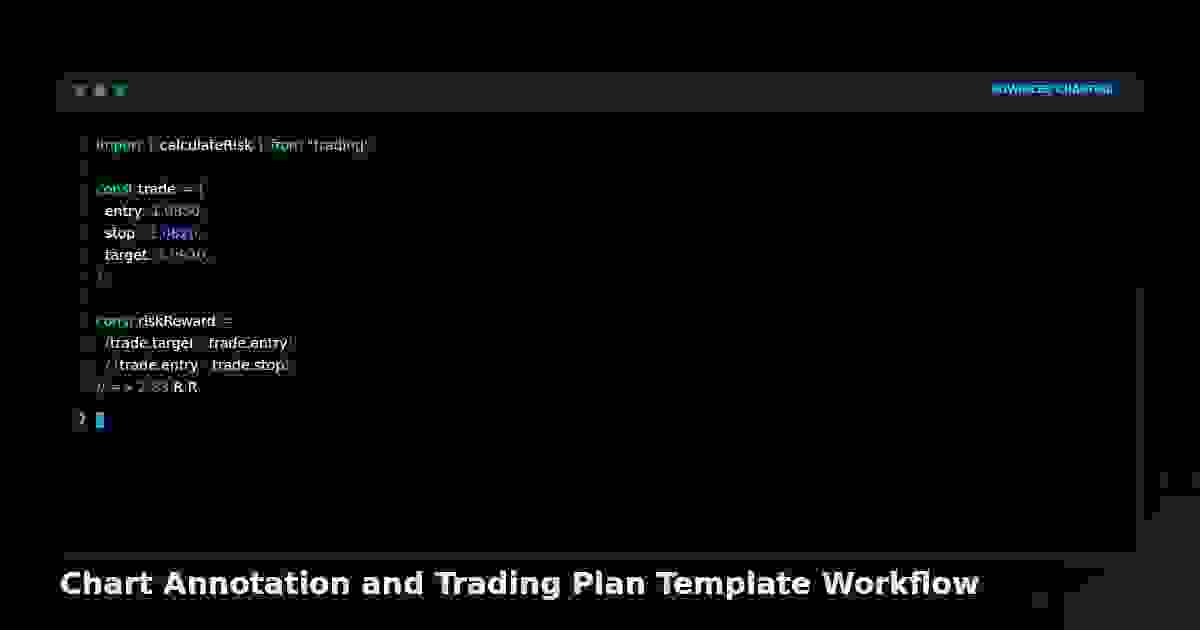
Chart Annotation and Trading Plan Template Workflow
A disciplined chart annotation workflow with a fixed six-block on-chart plan template turns each setup into a pre-committed decision recorded where the trade happens, removing improvisation under pressure.
Chart Annotation and Trading Plan Template Workflow
A trade plan in a notebook is forgotten by the second hour of the session. A plan annotated on the chart is read every time you glance at the position.
Plans written in a separate document are not consulted under pressure; plans annotated directly on the chart are unavoidable. The workflow below fixes a six-block annotation template to every setup, so the decision is committed where the trade lives.
The annotation colour convention
- Yellow horizontal lines: support and resistance (HTF structure).
- Blue horizontal lines: entry, stop, and target levels (the trade plan).
- White text boxes: the six-block plan, anchored at the entry bar.
- Red text: invalidation conditions. Green text: confirmation conditions met.
Consistency of colour lets you read a chart in two seconds — yellow is context, blue is the trade, white is the plan, red is what kills it.
The six-block on-chart plan template
Anchor a single text box at the entry bar containing six blocks, each on its own line:
- Setup: named pattern and timeframe (e.g., "Bullish Gartley, daily, 0.786 of XA").
- Entry: exact price and trigger (e.g., "Limit at $84.28, on reversal bar close").
- Stop: exact price and logic (e.g., "$79.40, 0.25 × ATR below X").
- Targets: T1, T2, T3 with scale percentages (e.g., "T1 $85.83 (40%), T2 $86.78 (40%), T3 $92.40 (20%)").
- Risk: position size and account risk (e.g., "200 shares, 0.9% account risk").
- Invalidation: conditions that void the trade before the stop (e.g., "Close below $82.28 cancels; gap through D > 0.5 × ATR cancels").
If a block is empty, there is no trade.
The pre-entry annotation sequence
Order matters because each step gates the next:
- Draw the HTF structure (yellow lines) — confirms direction context.
- Draw the setup geometry (Fibonacci, harmonic levels, zone boundaries).
- Write the six-block plan in a white text box at the entry bar.
- Draw the blue entry, stop, and target lines.
- Write the invalidation in red inside the plan box.
- Only then place the order.
If any step cannot be completed — no clear HTF structure, no clean setup geometry, no definable invalidation — the trade does not exist. The sequence is a filter as much as a documentation method.
Live-trade annotation updates
Once in the trade, update three annotations only:
- When target 1 hits, mark it green with the fill price. Move the stop line to break-even and label it "BE."
- When invalidation conditions approach, add a red warning text box at the current bar with the condition being watched.
- When the trade closes, mark the exit bar with the fill price and a one-word result ("Win" / "Loss" / "BE").
Do not annotate mid-trade with new analysis — the plan was committed at entry; mid-trade annotation is the doorway to plan abandonment.
The weekly review pass
Screenshot the chart at trade close with all annotations intact, filed by setup type. Each weekend, annotate one thing on each closed trade in orange: the single decision that most affected the outcome. Examples: "HTF was flat — should have skipped." "Entered before confirmation bar — cost 0.3R." The recurring orange note is the next behaviour to fix.
The annotation forces the decision before the emotion. The six-block plan cannot be written without knowing the stop, targets, risk, and invalidation — and knowing those before entry is the entire discipline of trading.
Live Chart
Open full chart →Related market data, powered by TradingView.
My Notes
Log in to save notes on this article and share them with the community.
Read next
TradingView Chart Setup Best Practices
Configure TradingView for fast decision-making with multi-timeframe layouts, indicator templates, watchlists, and alert rules that survive restarts.
Read more →Smart Recommendations