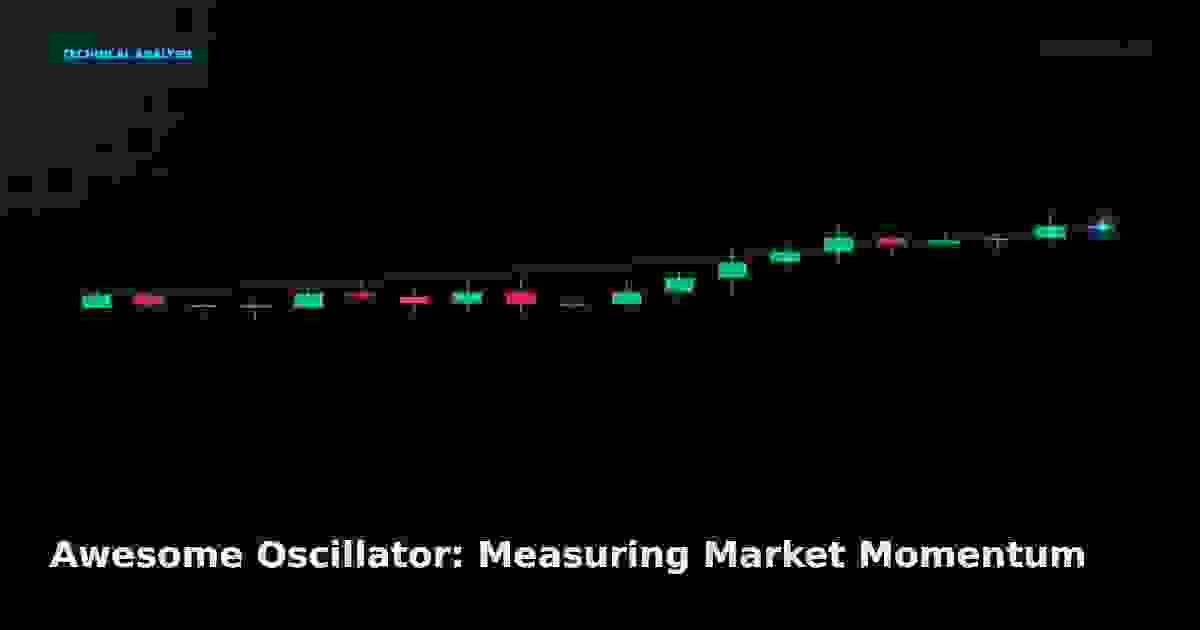
Awesome Oscillator: Measuring Market Momentum
The Awesome Oscillator compares two moving averages to gauge momentum. Learn the AO formula, the saucer setup, and the twin peaks signal.
Awesome Oscillator: Measuring Market Momentum
It's called "Awesome" for a reason — it visualises momentum as a colour-coded histogram that even a beginner can read at a glance.
The Awesome Oscillator (AO), created by Bill Williams, measures market momentum by comparing a 5-period simple moving average with a 34-period SMA. The result is a histogram above and below a zero line — green bars when momentum is rising, red when it's falling.
The formula
Median Price = (High + Low) / 2

AO = SMA(Median Price, 5) − SMA(Median Price, 34)
That's it — the difference between a fast and a slow moving average of the median price, plotted as a histogram.
Worked example:
| Value | Number |
|---|---|
| SMA(5) of median price | $52.00 |
| SMA(34) of median price | $50.50 |
| AO | +1.50 (green bar above zero) |
A positive AO means the short-term average is above the long-term average — bullish momentum. A negative AO means the opposite.
Reading the histogram
| Histogram state | Meaning |
|---|---|
| Bars above zero, growing (green) | Bullish momentum strengthening |
| Bars above zero, shrinking (red) | Bullish momentum fading |
| Bars below zero, growing (red) | Bearish momentum strengthening |
| Bars below zero, shrinking (green) | Bearish momentum fading |
| Cross above zero | Bullish shift |
| Cross below zero | Bearish shift |
The three classic AO signals
Bill Williams defined three setups:
1. The saucer
Three consecutive bars above zero:
- Bar 1 is green
- Bar 2 is red (shorter)
- Bar 3 is green (taller than bar 2)
A bullish saucer = buy signal. The reverse (below zero) is a sell signal.
2. The zero-line cross
AO crosses from below to above zero → bullish. From above to below → bearish. Simple, but slower than the saucer.
3. Twin peaks
Two peaks below the zero line, the second shallower than the first, with a green bar between them → bullish (momentum losing downside force). The reverse above zero is bearish.
How to trade it
- Trend filter — only trade AO signals in the direction of the higher-timeframe trend (200 SMA)
- Saucer for entries — the saucer gives earlier entries than the zero-line cross
- Twin peaks for reversals — momentum exhaustion signals
- Divergence — AO diverging from price is a powerful warning
AO vs MACD
| Feature | AO | MACD |
|---|---|---|
| MAs used | 5 and 34 SMA of median | 12 and 26 EMA of close |
| Output | Histogram | Line + signal + histogram |
| Signals | Saucer, twin peaks | Cross, divergence |
| Speed | Faster | More balanced |
AO and MACD measure similar things with different inputs — AO is faster and more visual; MACD is smoother and more versatile.
Common mistakes
- Trading every colour change — that's noise; trade the setups, not the bars
- Using AO alone — always pair with a trend filter
- Ignoring the zero line — a saucer above zero is bullish; below zero it's a different context
- Low-timeframe noise — AO on a 1-minute chart is unreliable
How to start
- Add the default AO (5, 34) to a daily or 4-hour chart
- Add the 200 SMA as the trend filter
- Learn the saucer first — it's the most reliable AO setup
- Only trade saucers in the trend's direction
- Always set a stop with the stop loss calculator and size with the position size calculator
Summary
The Awesome Oscillator turns the gap between two moving averages into a colour-coded histogram. Read the saucer for early entries, the zero-line cross for confirmation, and twin peaks for reversals. Pair it with a trend filter and it becomes a fast, visual momentum tool that's well-suited to beginners.
Live Chart
Open full chart →Related market data, powered by TradingView.
My Notes
Log in to save notes on this article and share them with the community.
Related
Read next
VWAP for Intraday Trading: Anchors, Bands, and Reversions
Apply VWAP with anchors, standard-deviation bands, and reversion logic to time intraday entries, exits, and institutional flow confirmation.
Read more →Smart Recommendations